How to Build a Telegram Chatbot: A Comprehensive Guide for 2026
Learn how to build a Telegram chatbot from scratch in 2026. This guide covers everything from planning to deployment, leveraging powerful tools like TeleClaw to create intelligent and effective Telegram bots.

TeleClaw Team
June 27, 2026
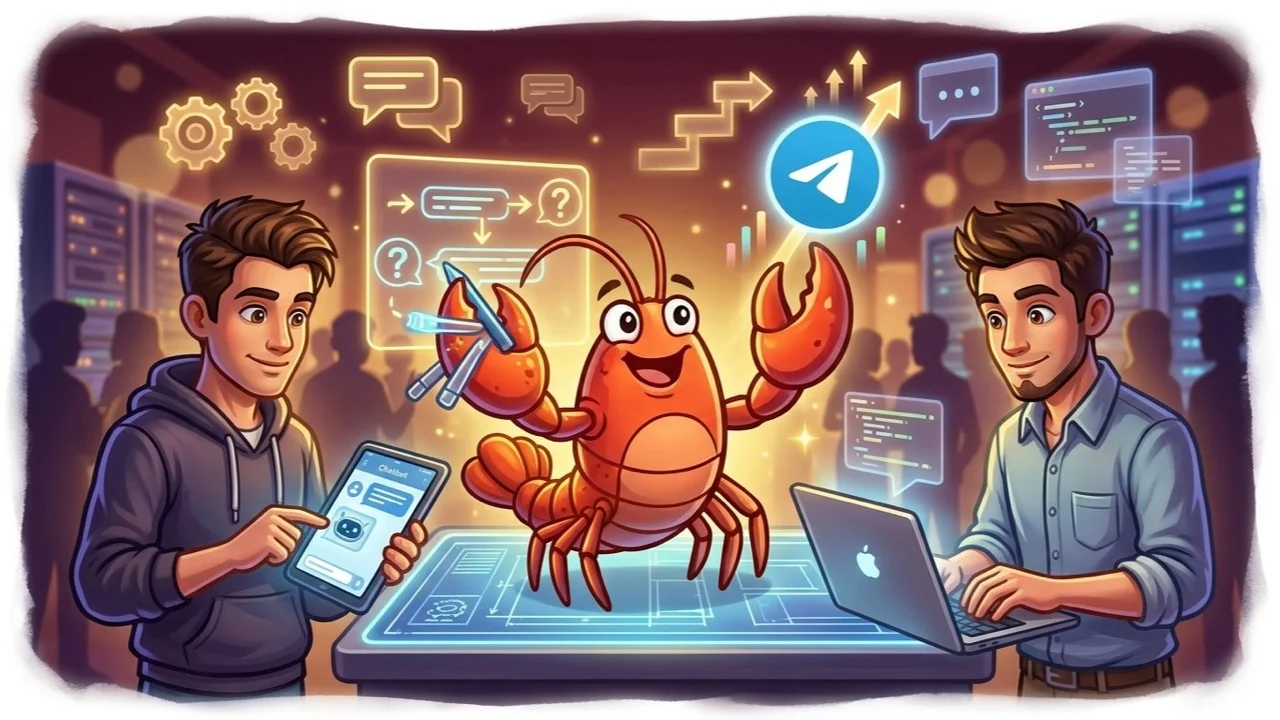
In the rapidly evolving digital landscape of 2026, Telegram chatbots have become indispensable tools for businesses, communities, and individuals seeking to streamline communication, automate tasks, and enhance user engagement. If you’ve ever wondered how to build a Telegram chatbot that is intelligent, efficient, and truly impactful, you’ve come to the right place. This comprehensive guide will walk you through the entire process, from conceptualization to deployment, covering essential steps and introducing you to powerful platforms like TeleClaw that simplify the journey.
Telegram boasts a massive and engaged user base, making it an ideal platform for deploying automated assistants. Whether you aim to provide customer support, automate sales, deliver news updates, or simply create a fun interactive experience, learning how to build a Telegram chatbot is a valuable skill in today’s AI-driven world.
Key Takeaways
- Planning is paramount: Define your bot’s purpose, target audience, and core functionalities before writing any code or configuring a platform.
- BotFather is your starting point: Use Telegram’s official BotFather to create your bot and obtain its crucial API token.
- Choose your development path: Decide between coding your bot from scratch (using Telegram Bot API) or utilizing no-code AI platforms like TeleClaw for advanced functionality.
- Integrate AI for intelligence: Leverage AI models (GPT-4, Claude, Gemini) for natural language understanding and generation, making your bot truly conversational.
- Deployment and maintenance are ongoing: Ensure your bot is hosted reliably and continuously monitored for performance and updates.
1. Defining Your Telegram Chatbot’s Purpose and Scope
Before you even think about code or platforms, the very first step in learning how to build a Telegram chatbot is to clearly define its purpose. A well-defined goal prevents scope creep and ensures your bot delivers real value. Ask yourself:
- What problem does my chatbot solve? Is it for customer support, lead generation, content delivery, or something else?
- Who is the target audience? Understanding your users helps in designing appropriate language, features, and interaction styles.
- What are the core functionalities? List out specific tasks the bot should perform (e.g., answer FAQs, process orders, send daily updates).
- What kind of conversational flow is needed? Will it be menu-driven, free-text input, or a hybrid?
- What integrations are necessary? Does it need to connect to a CRM, payment gateway, e-commerce store, or external database?
For example, a customer support bot might handle FAQ retrieval, ticket creation, and basic troubleshooting. An e-commerce bot could manage product inquiries, order tracking, and discount codes. Having a clear vision at this stage will guide all subsequent decisions.
2. Setting Up Your Telegram Bot with BotFather
Every Telegram bot begins its life with BotFather, Telegram’s official bot for managing other bots. This is a crucial, non-negotiable step for anyone looking to understand how to build a Telegram chatbot.
- Open Telegram and search for @BotFather. Ensure you select the official one with the blue checkmark.
- Start a chat with BotFather and type
/newbot. - Choose a name for your bot. This is the display name users will see.
- Choose a unique username for your bot. It must end with “bot”, for example,
MyAwesomeBot. - BotFather will then provide you with an HTTP API Token. This token is your bot’s “key” to the Telegram Bot API. Keep it absolutely secret, as anyone with this token can control your bot. You’ll need this token for whatever platform or code you use to build your bot.
At this point, you have a basic bot identity on Telegram, but it doesn’t do anything yet. It’s like having an empty shell. Now, let’s explore how to bring it to life.
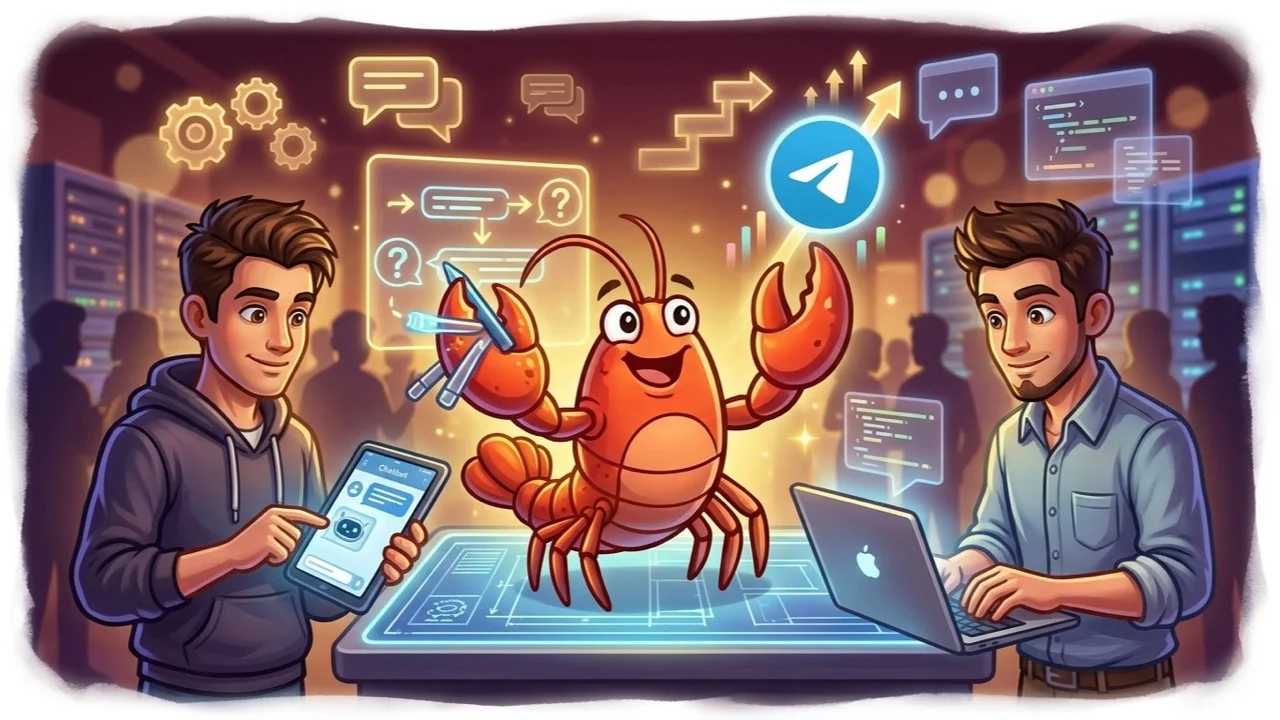
3. Choosing Your Development Path: Code vs. No-Code Solutions
The next major decision in how to build a Telegram chatbot is selecting your development approach. There are two primary paths:
Option A: Coding Your Telegram Bot from Scratch (Advanced)
This path offers maximum flexibility and control but requires programming knowledge, typically in Python, Node.js, or PHP. You will interact directly with the Telegram Bot API to send and receive messages.
Core Steps:
- Choose a programming language and framework: Python with
python-telegram-botor Node.js withTelegrafare popular choices. - Set up your development environment: Install necessary libraries and dependencies.
- Fetch updates from Telegram: Your bot needs to listen for incoming messages and events. This can be done via long polling or webhooks. Webhooks are generally preferred for production bots as they are more efficient. For a detailed guide on setting up webhooks, you can read our article on /blog/telegram-bot-webhook-setup.
- Process incoming messages: Parse user input and determine the appropriate response.
- Send responses: Use the
sendMessagemethod of the Bot API to relay information back to the user. - Implement logic: This is where you’ll build your bot’s intelligence, integrating with databases, external APIs, and business logic.
- Host your bot: Your code needs to run continuously on a server (e.g., AWS, Heroku, Google Cloud).
Pros of Coding:
- Maximum customization and control.
- No platform-specific limitations.
- Good for highly unique or complex interactions.
Cons of Coding:
- Requires significant programming skills.
- Higher development time and cost.
- Responsible for hosting, scaling, and maintenance.
Option B: Using No-Code AI Chatbot Platforms (Recommended for Most Users)
For many, especially those without extensive coding backgrounds or who need a bot quickly, no-code AI chatbot platforms are a game-changer. These platforms, like TeleClaw, abstract away the complexities of the Telegram Bot API and offer intuitive visual interfaces to design your bot’s logic and integrate AI.
Core Steps with TeleClaw (or similar platforms):
- Sign up and connect your Telegram bot: Provide the API token obtained from BotFather to TeleClaw.
- Design conversational flows: Use a drag-and-drop interface to build conversation paths. Define triggers (keywords, commands, buttons) and subsequent responses.
- Integrate AI for intelligence: This is where TeleClaw truly shines. You can connect your bot to powerful Large Language Models (LLMs) like GPT-4, Claude, or Gemini.
- Knowledge Base Integration: Upload documents, articles, PDFs, or connect to your website. TeleClaw’s AI can then intelligently answer user questions based on this provided information. This is incredibly powerful for customer support or information bots. Learn more about setting up your /blog/telegram-bot-knowledge-base-setup.
- Natural Language Understanding (NLU): The AI helps your bot understand user intent even with varied phrasing.
- Generative AI: Allows your bot to generate human-like responses, conduct free-form conversations, or even write content.
- Add rich media and interactive elements: Include buttons, images, videos, and dynamic menus.
- Set up integrations: Connect your bot to external services like CRMs, e-commerce platforms (like Shopify), or project management tools. Check out our guide on /blog/teleclaw-for-ecommerce.
- Test and deploy: Thoroughly test your bot and then make it live for your users.
Pros of No-Code Platforms (e.g., TeleClaw):
- No coding required, making it accessible to anyone.
- Faster development cycles.
- Built-in AI capabilities (NLU, generative responses, knowledge bases).
- Easier maintenance, hosting, and scaling are handled by the platform.
- Rich analytics and reporting tools.
Cons of No-Code Platforms:
- May have some platform-specific limitations.
- Subscription costs for advanced features.
For the purpose of this guide, and given the rapid advancements in AI, we will focus on the no-code, AI-powered approach, as platforms like TeleClaw represent the future of how to build a Telegram chatbot efficiently and intelligently.
4. Designing Your Bot’s Logic and Conversation Flow with AI
Once you’ve chosen your platform (or decided to code), the real work of shaping your bot’s personality and intelligence begins. Using a platform like TeleClaw simplifies this process considerably.
A. Mapping Conversation Paths
Think about common user queries and how your bot should respond. For simple bots, this might involve predefined command-response pairs or button-driven menus.
- Commands: Users type
/start,/help,/products. - Keywords: Users type “customer service”, “return policy”, “latest news”.
- Buttons: Offer quick reply buttons for common actions.
B. Integrating AI for Intelligence and Context
This is where your chatbot transcends simple automation and becomes truly intelligent.
- Knowledge Base: For bots that need to answer many questions from specific information, uploading a knowledge base is critical. With TeleClaw, you can feed your bot internal documents, website FAQs, or even long articles. The AI will then read and understand these resources, enabling it to provide accurate and contextually relevant answers to user queries, even if the exact phrasing isn’t predefined. This is a core component for robust customer support bots.
- Natural Language Understanding (NLU): Modern AI platforms use NLU to interpret user input, even if it’s phrased imperfectly. This allows your bot to understand intent rather than just matching keywords. For instance, “I want to know about your prices” and “How much does it cost?” can be mapped to the same intent.
- Generative AI Responses: Leveraging large language models (LLMs) like GPT-4 or Claude, your bot can generate dynamic, human-like responses. This is invaluable for open-ended conversations, creative tasks, or when a precise, predefined answer isn’t available in the knowledge base. For example, if a user asks for a product recommendation, the AI can cross-reference preferences and product data to formulate a personalized suggestion.
- Context Management: An intelligent bot remembers details from previous interactions. If a user asks “What’s the price?”, and then “How about the red one?”, the bot should remember the “red one” refers to the product discussed earlier. TeleClaw helps manage this context automatically.
C. Error Handling and Fallbacks
No bot is perfect. Plan for situations where the bot doesn’t understand a query:
- “I don’t understand” messages: Politely inform the user that the bot didn’t get it.
- Redirect to human agent: Offer an option to connect with a live support representative.
- Suggest common commands/questions: Guide the user back to known functionalities.
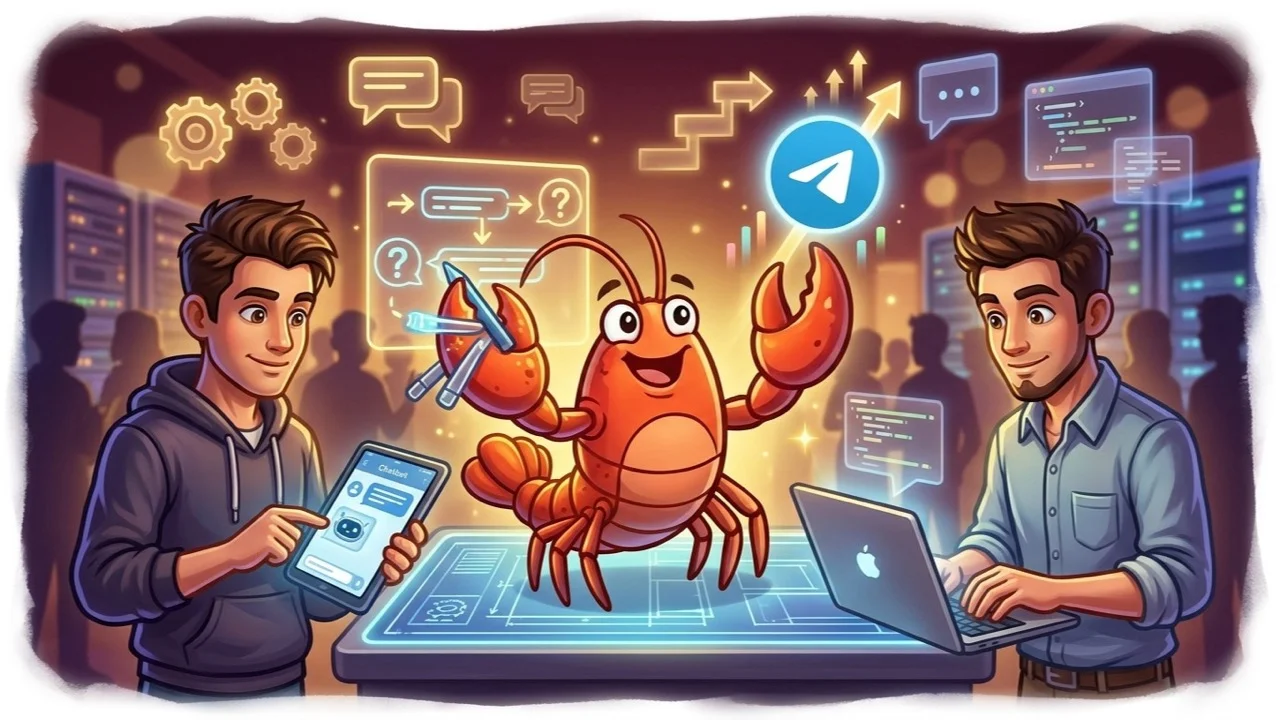
5. Integrating with External Services and Monetization
A truly powerful Telegram chatbot often needs to interact with services beyond Telegram itself. This is another area where platforms like TeleClaw simplify the complexities of how to build a Telegram chatbot that is truly integrated into your ecosystem.
A. External Integrations
- CRM Systems: Connect your bot to Salesforce, HubSpot, or Zoho CRM to log interactions, update contact information, or create new leads directly from bot conversations.
- E-commerce Platforms: Integrate with Shopify, WooCommerce, or similar platforms to allow users to browse products, check order status, or even complete purchases within the Telegram interface.
- Payment Gateways: For transactional bots, integrate with payment processors like Stripe or PayPal. Telegram itself supports various payment providers.
- Databases/APIs: Pull information from your internal databases or external APIs (weather data, stock prices, news feeds) to provide dynamic, real-time responses. TeleClaw offers robust webhook support, allowing you to connect to virtually any external API.
- Email Marketing Tools: Add users to your mailing lists or send automated follow-up emails based on bot interactions.
B. Monetization Strategies
If you’re asking how to build a Telegram chatbot for commercial purposes, monetization is key.
- Premium Features: Offer advanced bot features (e.g., custom reports, exclusive content, priority support) via a subscription model.
- Transactional Fees: If your bot facilitates sales (e.g., ticket booking, product sales), you can earn a commission or fee.
- Advertising: Display subtle ads within your bot’s responses (though this can be intrusive if not done carefully).
- Lead Generation: Businesses pay for qualified leads generated by your bot.
- Affiliate Marketing: Promote products or services and earn a commission on sales made through your bot. Learn more about Telegram affiliate programs in our guide on /blog/telegram-affiliate-program.
6. Testing, Deployment, and Analytics
Once your Telegram chatbot is built and configured, the final steps involve making it available to users and ensuring its continued performance.
A. Thorough Testing
Before launching, rigorously test your bot from a user’s perspective.
- Scenario Testing: Test all defined conversation paths, commands, and expected user inputs.
- Edge Case Testing: What happens if a user types something unexpected? How does the bot handle errors?
- Integration Testing: Verify that all external integrations (CRMs, payment gateways) are working correctly.
- Performance Testing: Ensure the bot responds promptly and handles multiple concurrent users if applicable.
- User Acceptance Testing (UAT): Get a small group of beta testers to interact with the bot and provide feedback.
B. Deployment
If you’re using a no-code platform like TeleClaw, deployment is typically as simple as clicking a “Publish” button. The platform handles hosting, scaling, and uptime for you.
If you’ve coded your bot, you’ll need to deploy it on a cloud server (AWS, Google Cloud, Azure, Heroku, DigitalOcean) and ensure it’s running continuously.
C. Monitoring and Analytics
Post-launch, monitoring your bot’s performance is crucial for continuous improvement.
- User Interaction Logs: Review conversations to identify common questions, areas where the bot struggles, or new intents to incorporate.
- Performance Metrics: Track response times, uptime, and the number of active users.
- Goal Completion Rates: For specific objectives (e.g., sales, lead capture), measure how effectively the bot achieves them.
- User Feedback: Actively solicit feedback from users to understand their experience and identify pain points.
- Iteration: Use insights from analytics to continuously refine your bot’s conversation flows, knowledge base, and AI capabilities. TeleClaw provides built-in analytics dashboards to help you with this.
Conclusion
Learning how to build a Telegram chatbot in 2026 is an incredibly rewarding endeavor, opening doors to enhanced customer engagement, operational efficiency, and new monetization opportunities. While coding provides ultimate flexibility, modern AI-powered no-code platforms like TeleClaw have democratized bot development, making it accessible to anyone with a clear vision and a desire to leverage the power of automation and artificial intelligence.
By carefully planning your bot’s purpose, leveraging BotFather for initial setup, and then choosing a powerful platform like TeleClaw to build an intelligent, integrated, and well-tested solution, you can create a Telegram chatbot that truly stands out.
Ready to bring your Telegram chatbot idea to life with the power of AI?
Start building your intelligent Telegram bot with TeleClaw today! or Chat with @claw on Telegram
FAQ
Frequently Asked Questions
What is the easiest way to build a Telegram chatbot without coding?
Can I integrate my Telegram chatbot with other services?
How much does it cost to build and maintain a Telegram chatbot?
More Reading
Keep Reading
Best AI Agents for Business in 2026: A Category-by-Category Guide
The clearest way to compare AI agents for business in 2026: six real categories, honest picks, and where a Telegram-native agent like TeleClaw actually fits.
TeleClaw Cloud Agents: Run a Coding Agent from Telegram
TeleClaw is listed in OpenRouter's cloud-agent category. Learn what a cloud agent does, how 2026 changed the field, and how to run one from Telegram.