Telegram Bot Knowledge Base Setup: Step-by-Step Guide for 2026
A practical telegram bot knowledge base setup guide: plan your content, connect your bot, upload docs, test answers, and launch in Telegram with @claw.

TeleClaw Team
June 26, 2026
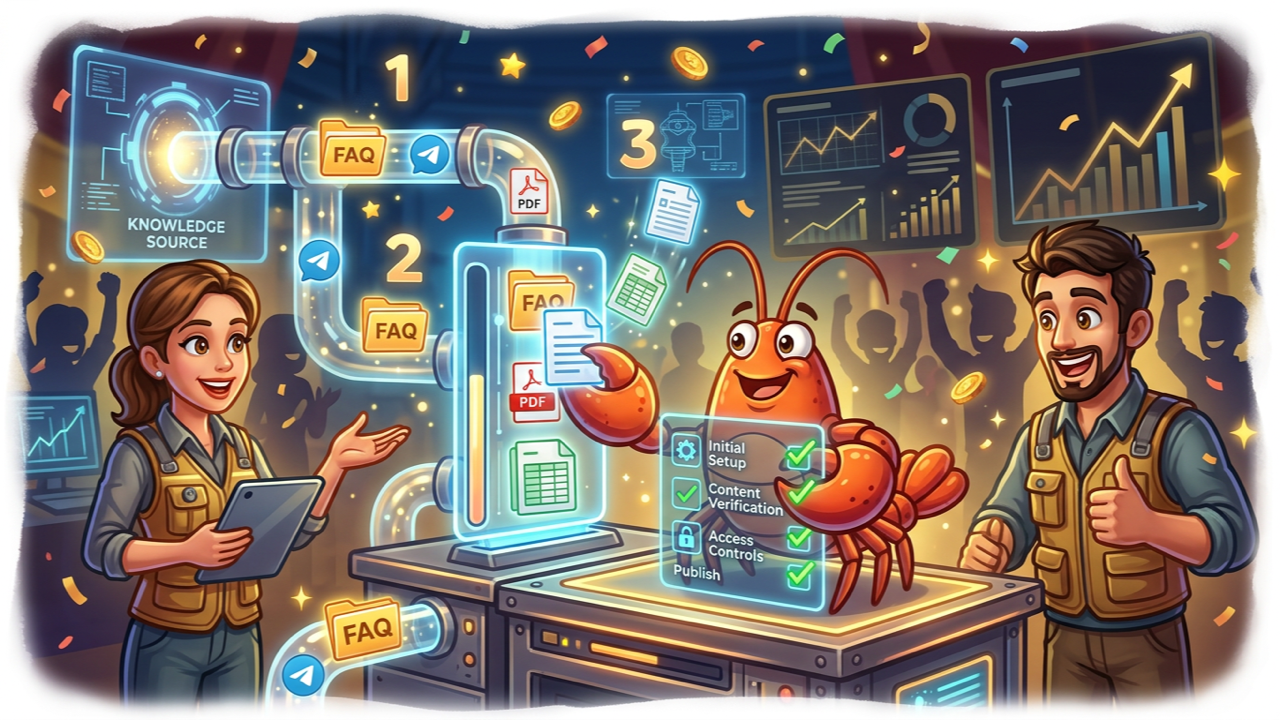
Most Telegram communities hit the same wall: members ask the same questions every week, and moderators spend hours copying answers from docs. A telegram bot knowledge base setup fixes that by letting a bot answer from documents you control, directly inside the chat where people already are.
This guide is the operational checklist. It walks you from blank slate to a tested bot that answers from your own material. If you want a deeper look at what belongs in the knowledge base and how retrieval works conceptually, read our Telegram AI knowledge base guide. Here we focus on the setup sequence itself.
Key takeaways
- Start narrow: Launch with 20 to 50 high-impact topics, not an “ask me anything” scope.
- Audit before upload: Remove duplicates, outdated pages, and conflicting instructions first.
- Retrieval drives quality: Wrong answers usually mean bad source content or missing docs, not a weak model.
- Test before announce: Run your top 10 real member questions through the bot and score the replies.
- Plan maintenance: Schedule weekly reviews of unanswered queries for the first two months.
How knowledge base setup differs from a basic FAQ bot
A rule-based FAQ bot matches keywords to fixed answers. A knowledge base bot uses retrieval-augmented generation (RAG): it searches your uploaded content for relevant passages, then writes a natural-language reply grounded in those passages.
The End Point Dev RAG pipeline guide describes the pattern clearly. At startup, your system loads documents, splits them into chunks, converts each chunk to a vector embedding, and stores them in a searchable index. When a user asks a question, the bot retrieves the closest chunks and passes them to the language model as context.
That architecture is why setup has distinct phases: content preparation, indexing, bot connection, prompt configuration, and testing. Skip the content audit and the bot will confidently cite wrong or outdated material.
Phase 1: Plan scope and gather source documents
Before you touch any dashboard, decide what the bot should and should not answer.
Define the boundary. A support bot for a SaaS product might cover pricing, billing, and feature docs but escalate account-specific questions. A community bot might cover rules, onboarding links, and event schedules. Write this boundary in one paragraph. It becomes the core of your system prompt later.
Pick your first document set. SmartQBot’s Q&A bot guide recommends starting with 20 to 50 high-impact questions rather than uploading your entire wiki. For most teams, that means:
- FAQ page or support macros (highest ROI)
- Pricing and plan comparison
- Getting-started or onboarding guide
- Community rules or policies
- One technical doc for your most common how-to question
Run a content audit. Open each source file and check for:
- Duplicate pages covering the same topic with different wording
- Outdated pricing, deprecated features, or old policy versions
- Contradictions (one doc says 14-day refund, another says 30-day)
- Long walls of text without headings
Fix these in the source documents before upload. Retrieval quality depends on clean, scannable content with clear headings and answers placed near their questions.
Phase 2: Format documents for retrieval
Chunking happens automatically on most platforms, but you control how well those chunks map to real questions.
Use descriptive headings. “How to cancel your subscription” retrieves better than “Billing” alone. Match headings to how members actually ask questions.
Keep answers compact. Chat users expect 2 to 4 sentences, not essay-length replies. If a help article is long, split it into sections, each with its own heading and a self-contained answer.
Add metadata where your platform supports it. Tags like product area, language, or last-updated date help filters during retrieval. Even a simple “Last updated: June 2026” line at the top of each doc helps your team spot stale content during reviews.
Prefer Markdown or plain text for internal docs. PDFs work, but text extraction can garble tables and footers. Export critical pages to Markdown when accuracy matters.
Phase 3: Connect your bot to Telegram
Your knowledge base bot needs a Telegram identity and a home in the group or channel where members ask questions.
If you have not added a bot to a group before, follow our guide to adding a bot to a Telegram group. You must be a group admin. Search for the bot username (for example @claw), add it as a member, and grant the permissions it needs.
Minimum permissions for a Q&A bot:
- Read messages (or respond when mentioned, depending on privacy mode)
- Send messages
Moderation bots need additional rights. A knowledge base bot usually does not.
Choose where the bot lives:
- Support group: Best for two-way Q&A with follow-up questions
- Community group with mention-only mode: Bot responds when tagged, reducing noise in busy chats
- Channel comments: Bot monitors comment threads under announcements
For TeleClaw, open the dashboard, connect your Telegram account, and link the target group. TeleClaw handles the Bot API connection so you do not need to manage tokens or webhooks yourself unless you build a custom stack.
Phase 4: Upload and index your knowledge base
This is the core of telegram bot knowledge base setup: getting your audited documents into the system that powers retrieval.
No-code path (TeleClaw):
- Open the knowledge base section in the TeleClaw dashboard.
- Upload your prepared files (Markdown, PDF, DOCX) or paste public URLs for help center pages.
- Wait for indexing to complete. Most platforms process uploads in the background.
- Review any parsing warnings. Failed PDF extractions or empty pages should be fixed and re-uploaded.
Custom RAG path (developers):
If you build your own pipeline, the indexing script typically:
- Loads documents from a folder using LangChain loaders (
PyPDFLoader,TextLoader, etc.) - Splits text with
RecursiveCharacterTextSplitter(often 800 to 1000 characters with 150 to 200 overlap) - Generates embeddings (OpenAI
text-embedding-3-smallor open-source alternatives) - Stores vectors in Chroma, FAISS, or pgvector
Wire your Telegram message handler to call this retrieval chain on every user message instead of sending queries directly to the LLM. The Telegram Bot API documents message handling, but the retrieval layer sits in your application code or hosted platform.
File size note: Telegram bots sending files through the Bot API face a 50 MB upload limit on standard servers. Knowledge base uploads through a platform dashboard follow that platform’s limits, which are usually separate from Telegram chat file caps.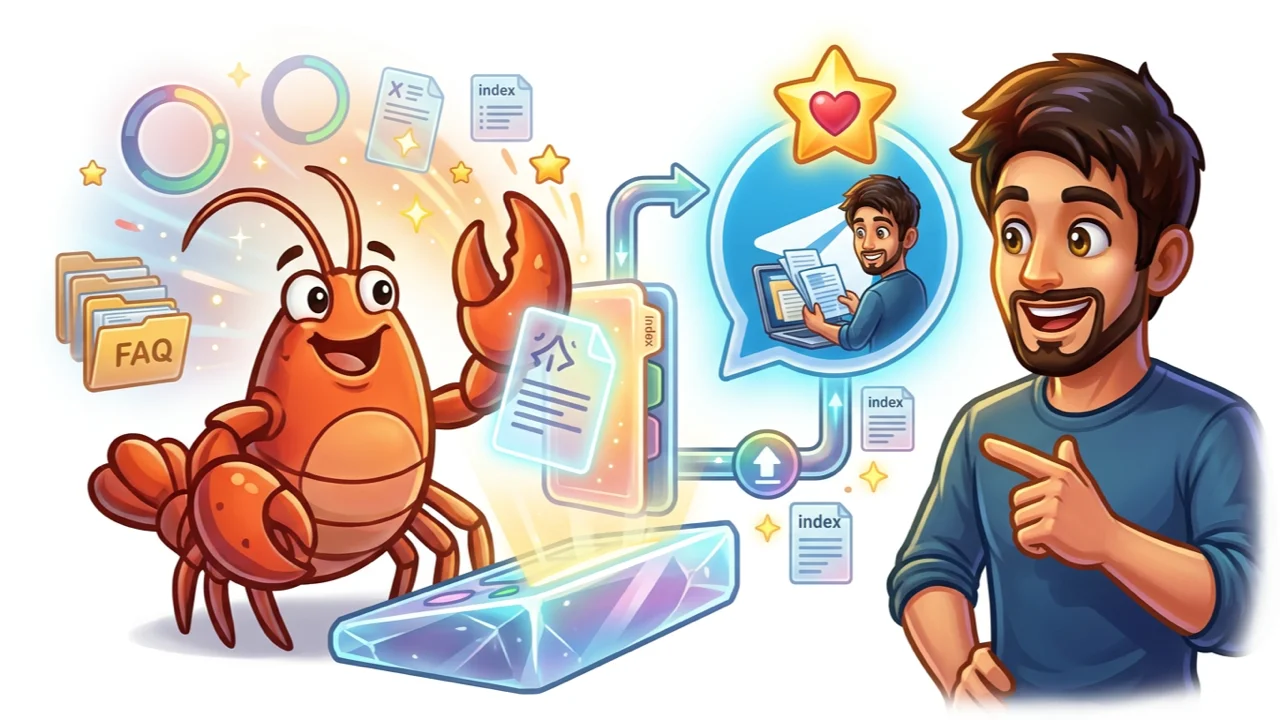
Phase 5: Write the system prompt and guardrails
The system prompt tells the bot how to behave when it retrieves content. Without guardrails, models improvise beyond your documents.
A solid default prompt includes:
- Role: “You are the support assistant for [product/community name].”
- Grounding rule: “Answer only from the retrieved documentation. If the answer is not in the docs, say you do not know.”
- Escalation path: “Direct account, payment, or legal questions to [email or human contact].”
- Tone: “Keep replies under 4 sentences unless the user asks for detail.”
- Citation optional: “When possible, name the document section your answer came from.”
This matches guidance from AskQBot’s FAQ bot checklist: strict answer boundaries produce more trust than fluent guessing.
In TeleClaw, set this through custom instructions in the dashboard. You can also define what triggers a handoff to a human moderator for customer support workflows.
Phase 6: Test before you announce
Testing is not optional. Run this script with real questions your members actually ask.
Create a test sheet with 10 to 15 questions:
| Question | Expected source doc | Pass / Fail | Notes |
|---|---|---|---|
| How much does the Pro plan cost? | pricing.md | ||
| How do I cancel? | billing-faq.md | ||
| What are the group rules on promotions? | community-rules.md |
Score each answer:
- Accurate: Matches your current documentation
- Scoped: Does not invent features or policies
- Concise: Fits Telegram chat norms (short paragraphs)
- Honest: Says “I don’t know” when content is missing
Test follow-up questions. Ask a primary question, then a vague follow-up like “tell me more” or “what about the free tier?” Multi-turn retrieval needs conversation context. If follow-ups fail, your platform may need history-aware retrieval or clearer chunk boundaries.
Test edge cases:
- Questions completely outside your KB (should refuse gracefully)
- Trick questions with wrong assumptions baked in
- Non-English questions if your community is multilingual
Fix failures by updating documents first, then adjusting the prompt. Prompt tweaks alone rarely fix missing content.
Phase 7: Launch and maintain
Announce the bot with clear expectations: what it can answer, how to invoke it (mention @claw or send a DM), and how to reach a human when the bot cannot help.
First two weeks: Read a sample of bot conversations daily. Log questions that got weak or wrong answers.
Weekly maintenance loop:
- Export or review unanswered / low-confidence queries
- Add or update documents for recurring gaps
- Re-run your 10-question test sheet after major doc changes
- Remove archived content so stale answers do not resurface
Teams that treat the knowledge base as a living product asset see deflection rates climb over time. Teams that upload once and forget see accuracy drift within weeks of any pricing or policy change.
No-code vs custom build: which path fits?
| Factor | TeleClaw (no-code) | Custom RAG stack |
|---|---|---|
| Time to first launch | 1 to 2 hours | Days to weeks |
| Telegram integration | Built-in via @claw | You manage Bot API, hosting, webhooks |
| Document upload | Dashboard upload + URLs | Your own ingestion scripts |
| Model choice | Claude, GPT, Gemini in settings | Any provider you wire |
| Maintenance | Re-upload docs in dashboard | Re-run indexing pipeline |
| Best for | Communities, SMB support, agencies | Regulated environments, deep custom logic |
Most teams launching their first knowledge base bot should start no-code, prove value with real deflection data, then evaluate custom builds only if compliance or integration requirements demand it.
Explore TeleClaw features for knowledge base upload, multi-model support, group deployment, and analytics in one Telegram-native package.
Troubleshooting common setup issues
Bot does not respond in the group
Check privacy mode (bot may only see mentions and commands), confirm admin permissions, and verify the bot is linked to the correct group in your dashboard. See our add bot to group guide for the full permission checklist.
Answers are vague or generic
Usually means retrieval found weak matches. Add a dedicated FAQ entry for that topic with the question in the heading and a direct answer in the next paragraph.
Bot cites old pricing
Remove outdated files from the knowledge base entirely. Do not leave old and new pricing docs side by side.
Bot answers confidently but incorrectly
Contradictory source documents or prompt missing a “answer only from context” rule. Audit sources and tighten guardrails.
Slow responses
Large knowledge bases with unfiltered retrieval can add latency. Narrow document scope with metadata tags, reduce top-k retrieval count, or cache frequent questions if your platform supports it.
FAQ accordion
The frontmatter FAQ section covers the five most common setup questions. For content strategy and use-case examples beyond setup, see the Telegram AI knowledge base guide.
Conclusion
Telegram bot knowledge base setup breaks down into seven phases: plan scope, format documents, connect the bot, upload and index, configure guardrails, test with real questions, and maintain weekly. The work is front-loaded in document quality. A clean FAQ and pricing page beats a massive unstructured wiki every time.
TeleClaw runs this entire flow without code: upload docs, set instructions, add @claw to your group, and test. Open the dashboard to start your setup, or browse features to see how knowledge base retrieval fits alongside moderation, onboarding, and analytics in one Telegram-native agent.
FAQ
Frequently Asked Questions
What do I need before starting a telegram bot knowledge base setup?
How long does telegram bot knowledge base setup take?
What file types work for a Telegram knowledge base bot?
Why does my Telegram knowledge base bot give wrong answers?
Can I update the knowledge base after launch without rebuilding the bot?
More Reading
Keep Reading

Best AI Agents for Business in 2026: A Category-by-Category Guide
The clearest way to compare AI agents for business in 2026: six real categories, honest picks, and where a Telegram-native agent like TeleClaw actually fits.

TeleClaw Cloud Agents: Run a Coding Agent from Telegram
TeleClaw is listed in OpenRouter's cloud-agent category. Learn what a cloud agent does, how 2026 changed the field, and how to run one from Telegram.