Telegram Bot for Ecommerce: Support, Orders, and Sales in Chat
A telegram bot for ecommerce handles order questions, shipping updates, and product FAQs where customers already chat. See setup paths, channel tactics, and examples.

TeleClaw Team
June 19, 2026

A telegram bot for ecommerce puts your store where shoppers already spend time: inside Telegram chats, channels, and communities. Instead of waiting on email or hunting a help widget, customers ask about sizing, refunds, or delivery status and get an instant reply.
This guide covers what ecommerce teams automate first, how a telegram channel ecommerce strategy pairs with bots, practical telegram bot ideas for online stores, and a telegram bot example setup you can launch this week. When you are ready to add AI support without writing code, TeleClaw and @claw handle the repetitive front line while your team keeps control of escalations.
Key takeaways
- Support bots answer order, shipping, and returns questions from your own policies and docs.
- Notification bots push confirmations and tracking updates to customers who opt in at checkout.
- Channel + bot combos use broadcasts for reach and bots for two-way sales and support.
- Mini Apps add full catalog and checkout UI when chat alone is not enough.
- Telegram Payments supports physical goods via providers like Stripe. Digital goods inside Telegram use Telegram Stars.
- No-code AI fits support-first launches. Custom builds fit deep store API integrations.
Why stores add a Telegram bot for ecommerce
Ecommerce support is repetitive. The same questions arrive every day: Where is my order? How do I return this? Do you ship to my country? What is your warranty?
A Telegram bot answers those questions in seconds, in the same app customers use for updates from friends and brands. Telegram’s Bot Payments API is free to use. Telegram does not take a commission on payments, though your card processor still charges its normal rate.
For stores with active Telegram communities, crypto-adjacent audiences, or strong presence in Eastern Europe and Central Asia, Telegram often beats email for visibility. If you are comparing messengers, our Telegram vs WhatsApp guide explains when each channel fits a retail workflow.
Telegram channel ecommerce: reach without a second app
A Telegram channel is a one-to-many broadcast. You post product drops, restock alerts, and promo codes. Subscribers see updates in their chat list without installing another retail app.
Channels pair well with bots:
- Channel: builds awareness and drives traffic to new collections.
- Bot: captures questions, qualifies leads, and hands off to humans when needed.
- Mini App (optional): hosts a browsable catalog when inline buttons are too small.
Growing a store channel is its own discipline. Pin a clear value proposition, post on a steady cadence, and link every post to your bot for questions. Cross-promote the channel on your site checkout thank-you page and packaging inserts. Tools that help you telegram bot get members into a community, such as welcome flows and referral incentives, work best when the channel already delivers useful content, not only ads.
For broader automation patterns, see Telegram bots for business, including order notifications and FAQ handling.
Telegram bot ideas that map to real store workflows
Not every bot needs a shopping cart on day one. Start with the workflow that removes the most tickets.
1. Order status and delivery updates
Customers message the bot with an order ID or email. The bot returns tracking status or links to your carrier page. When the bot cannot find a match, it escalates to an agent with the conversation attached. This pattern is covered in depth in our Telegram customer support bot use cases article.
2. Returns, refunds, and policy FAQs
Upload your returns portal steps, refund timelines, and exclusion lists. The bot summarizes policy in plain language and links to the correct form. Humans handle disputed charges and damaged-goods photos.
3. Product discovery and sizing help
Shoppers ask natural questions: “Does this jacket run small?” or “Which bundle fits a team of eight?” A knowledge-grounded bot answers from your product pages and size charts instead of generic AI guesses.
4. Abandoned checkout nudges
If a customer started checkout on the web and opted into Telegram, the bot can send a reminder with a deep link back to the cart. Keep messages short and easy to opt out of.
5. Post-purchase care
Send care instructions, warranty registration links, or review requests after delivery. Sequence these messages so they feel helpful, not spammy.
6. Community commerce
Some brands sell through group chats where trust already exists. A bot moderates spam, answers repeat questions, and surfaces a catalog button for new members.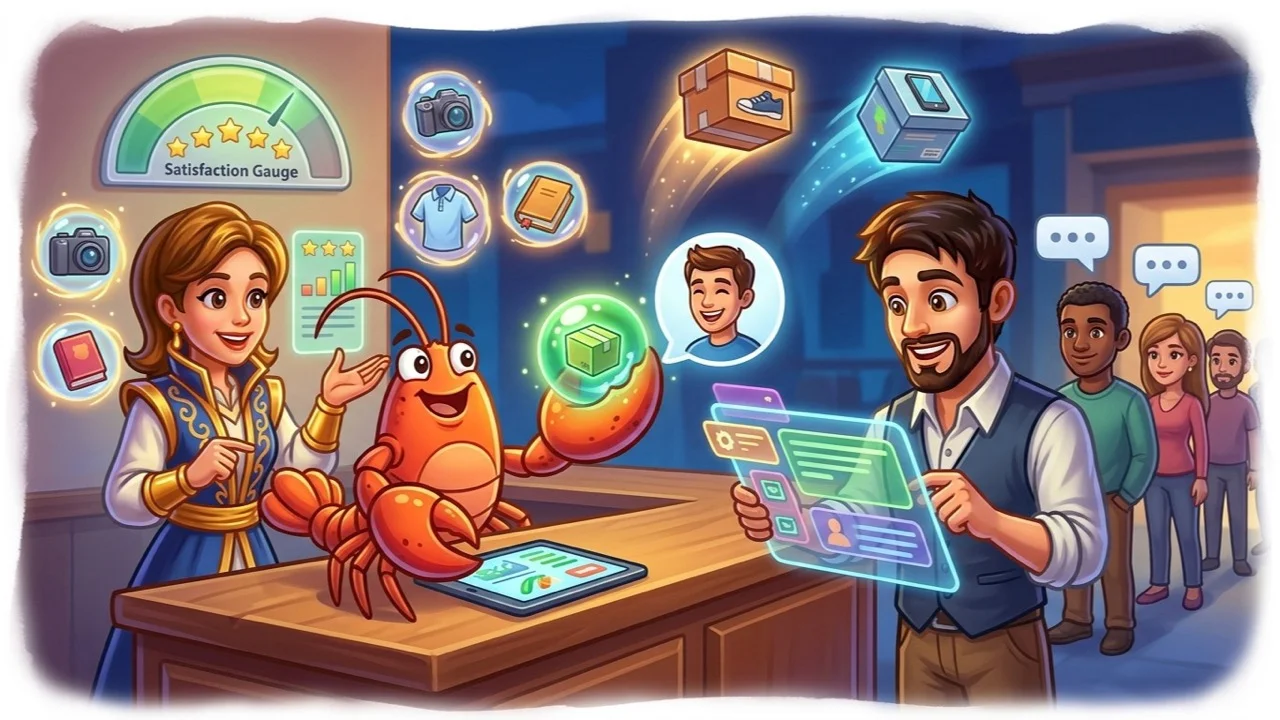
Telegram bot example: two common architectures
Example A: Support-first bot (fastest launch)
- Customer opens a chat with your bot or posts in your support group.
- Bot answers from your FAQ, shipping policy, and product docs.
- Unresolved threads escalate to staff with full context.
- Optional: webhook to your helpdesk when the bot tags
needs_human.
This is the right telegram bot example for most small and mid-size stores. You do not need a Mini App on day one.
Example B: Bot + Mini App storefront
- Bot greets the user and opens a Telegram Mini App catalog.
- Customer browses, adds items, and pays via Telegram Payments.
- Bot sends order confirmation and later shipping updates in the same chat.
Example B needs frontend hosting, inventory sync, and payment validation. Official docs require your bot to answer pre_checkout_query within 10 seconds during checkout. Plan for that timeout in your backend.
TeleClaw focuses on Example A: accurate support in groups and channels. Pair it with your existing Shopify, WooCommerce, or custom storefront for carts and payments.
Step-by-step: launch support automation this week
Step 1: List your top 20 support questions
Pull tags from your helpdesk or skim last month’s DMs. Group them into orders, returns, products, and account issues.
Step 2: Publish clear source docs
One page per topic beats one giant PDF. Include cutoff times, regions you ship to, and links to self-serve portals.
Step 3: Choose where the bot lives
- DM with the bot: private support, good for order numbers.
- Support group: public answers help other shoppers.
- Channel comments: lighter touch, needs active moderation.
Step 4: Connect the bot and test escalation
Run ten real questions your team handled last week. If the bot answers wrong, fix the doc, not the prompt. Define when the bot must stop and call a human.
Step 5: Promote the channel at checkout
Add “Get order updates on Telegram” with a QR code or deep link. Opt-in beats cold messaging.
Step 6: Review logs weekly
Note new question types and add them to your knowledge base. Support bots improve through content updates more than model tweaks.
If you want a no-code path, follow our Telegram chatbot no-code guide for connection steps without a developer.
Payments, Mini Apps, and what Telegram allows
Physical products can use Telegram Payments with a provider token from @BotFather. Digital goods and services sold inside Telegram must use Telegram Stars, not a third-party card flow, per official digital payments rules.
Amount limits depend on currency. Telegram documents that minimum and maximum values roughly correspond to US$ 1 to US$ 10,000 per transaction. Build validation in your checkout code and respect your provider’s prohibited-business list.
Mini Apps shine when your catalog is visual or configurable. The bot stays the front door. The Mini App handles filters, image galleries, and multi-step checkout. After purchase, the bot owns notifications and repeat support.
Where TeleClaw fits your ecommerce stack
TeleClaw is not a replacement for your cart platform. It is the always-on support layer for Telegram communities tied to your brand.
Upload your policies and product content, add @claw to your store group or channel, and let the bot:
- Answer sizing, shipping, and returns questions from your docs
- Welcome new members with links to bestsellers and support hours
- Escalate billing disputes and damaged-order cases to your team
- Keep context in long threads so agents do not ask customers to repeat themselves
Explore configuration examples on our customer support use cases page.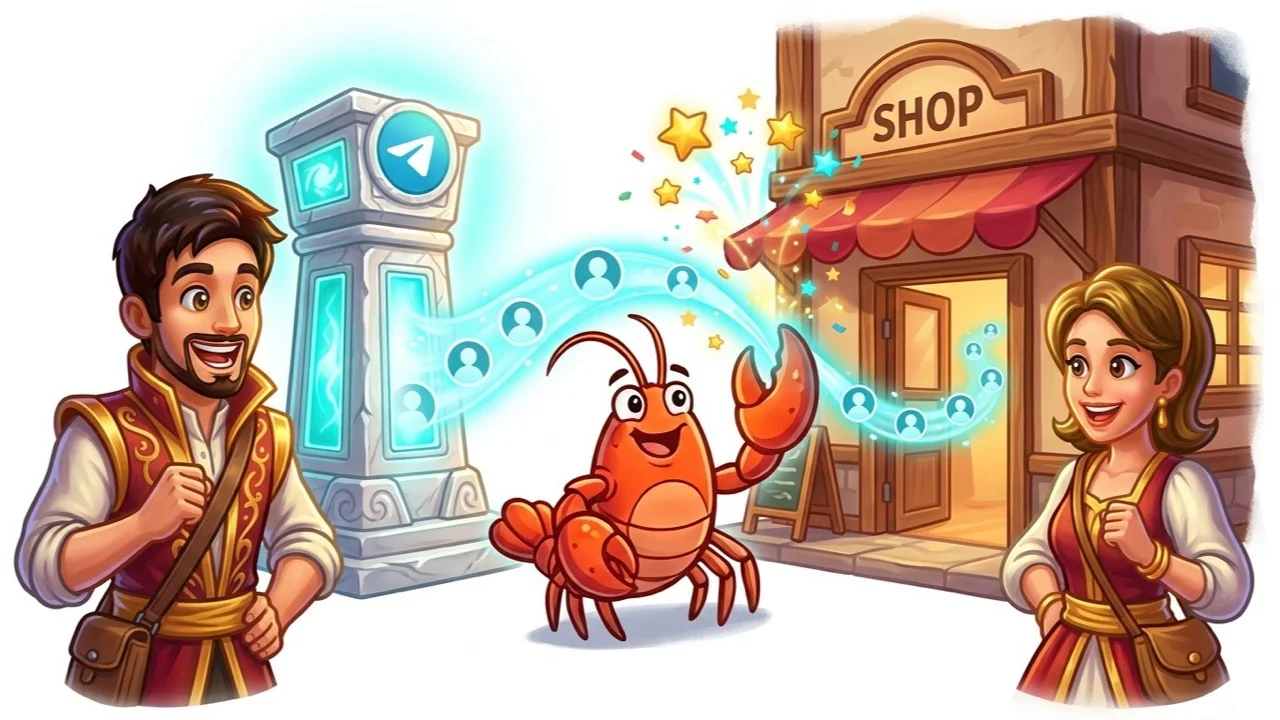
Troubleshooting common ecommerce bot issues
Bot does not reply in a group
Confirm the bot is added as a member and has permission to read messages. Privacy mode may block group replies unless you disable it via @BotFather or mention the bot explicitly.
Wrong answers about policy
The model is rarely the problem. Compare the bot reply to your published policy. Update the source doc, then retest.
Checkout stalls at payment
Check server logs for pre_checkout_query handling. Telegram rejects slow responses. Validate stock and price before approving the query.
Low channel growth
Audit content quality before buying ads. Educational posts, behind-the-scenes clips, and restock alerts outperform pure discount blasts. Link each post to the bot for questions.
Customers still email instead of using Telegram
Keep email, but reply with a Telegram link for faster tracking. Over time, repeat buyers migrate to the channel they check most.
Conclusion
A telegram bot for ecommerce works best as a practical support and notification layer, not a gimmick. Start with the questions that clog your inbox, connect a channel for launches and restocks, and add Mini Apps or native payments only when your catalog needs them.
For AI support without building infrastructure, add @claw to your store community and let TeleClaw handle the first line while your team owns the exceptions.
FAQ
Frequently Asked Questions
What can a telegram bot for ecommerce do?
Do I need a developer to launch an ecommerce Telegram bot?
Can Telegram bots accept payments for online stores?
Is a Telegram channel or a bot better for ecommerce?
How does TeleClaw fit an ecommerce support stack?
More Reading
Keep Reading

Best AI Agents for Business in 2026: A Category-by-Category Guide
The clearest way to compare AI agents for business in 2026: six real categories, honest picks, and where a Telegram-native agent like TeleClaw actually fits.

TeleClaw Cloud Agents: Run a Coding Agent from Telegram
TeleClaw is listed in OpenRouter's cloud-agent category. Learn what a cloud agent does, how 2026 changed the field, and how to run one from Telegram.