Telegram Bot Onboarding: Automate Your Welcome Flow for New Members
Set up a Telegram bot onboarding flow that greets new members, shares key resources, and answers first questions automatically. A practical guide for communities and businesses.

TeleClaw Team
June 23, 2026

First impressions in a Telegram group happen fast. A new member joins, glances at the pinned message, and either feels oriented or quietly disengages. A well-configured Telegram bot onboarding flow changes that moment: it greets the new person by name, delivers the most important resources, and stays available to answer the questions that always come next.
This guide covers what a practical Telegram onboarding flow looks like, how to configure one without writing code, and what to measure after launch.
Why Onboarding Matters in Telegram Groups
Most Telegram communities lose new members in the first 24 hours. The pattern is predictable: someone joins after clicking a link, sees hundreds of unread messages, finds no clear starting point, and leaves before contributing anything.
An onboarding bot solves the cold-start problem. Instead of relying on a new member to scroll and figure things out alone, the bot gives them a structured beginning.
The benefits are concrete. Communities with automated onboarding report higher day-7 retention because new members understand the group’s purpose faster. Support-heavy groups see fewer repetitive questions because the bot answers them before they get asked. Moderators spend less time copy-pasting the same welcome links.
What a Telegram Onboarding Flow Covers
A solid Telegram bot onboarding flow has three layers.
The welcome message fires the moment a new member joins. It greets them by first name, confirms they are in the right place with one sentence about the group, and gives two or three key links or buttons. Keep it short. New members are still deciding whether to stay.
First-question coverage is where an AI assistant earns its place. New members ask the same questions regardless of how clear the welcome message is. How does billing work? Where do I find the docs? What is the difference between the free and paid plans? A bot connected to your knowledge base handles these on demand without a human having to respond each time.
Resource delivery goes deeper: onboarding documents, a getting-started guide, community rules, and links to relevant channels or threads. These can arrive immediately or be sent as a follow-up after a short delay, depending on how much information you need to share.
Setting Up a Welcome Bot Without Code

Platforms like TeleClaw let you configure a Telegram onboarding bot in three steps.
Step 1: Connect the bot to your group
Add @claw to your Telegram group as an admin. The bot needs permission to read messages so it can detect when new members join.
Step 2: Write the welcome prompt
In your TeleClaw dashboard, set a system prompt that defines the bot’s persona and what it should do when a new member appears. A basic prompt looks like this:
When a new member joins, greet them by name, tell them this group is for [your group purpose], share these three links: [link 1], [link 2], [link 3]. Ask if they have any questions. After that, answer questions from the knowledge base.
Keep the persona consistent with your brand. A developer tool community and a cooking enthusiast group need different tones.
Step 3: Load the knowledge base
Upload your FAQ, product docs, community rules, and any other material new members commonly need. The bot draws from this when answering questions. The quality of your knowledge base determines how useful the bot is after the welcome message.
Once configured, the bot fires on every new member join event automatically.
Structuring the Welcome Message
The welcome message sets the tone. A few things that make it work better in practice.
Use the member’s name. Telegram’s Bot API provides the first name of the new member when they join. Using it feels personal and signals that the greeting is real rather than generic.
Anchor the message to the group’s purpose. New members often join from a referral or advertisement and are not certain they are in the right place. One clear sentence about what the group is for removes that uncertainty.
Offer a clear next step. End with a button or a simple question. “Tap to see our quick-start guide” or “What brings you here?” gives people something to do rather than leaving them staring at a wall of text.
Keep it short. Two to four sentences plus a button is enough. Long welcome messages get scrolled past. The knowledge base handles depth.
Handling Common First Questions
The questions new members ask cluster into predictable categories regardless of what kind of group you run.
Pricing and plan questions come first in product-focused communities. Document your pricing page, plan comparison, and upgrade process clearly in your knowledge base. The bot can answer these without any human intervention.
Setup and technical questions follow in developer or SaaS groups. Link to your documentation, quickstart guide, and common error resolutions. A bot that can answer “how do I connect the API?” in under five seconds is more valuable than a moderator who might see the question hours later.
Rules and permissions questions appear in larger communities. Who can post what, how are violations handled, what gets someone removed. Put your community guidelines in the knowledge base so the bot can quote them accurately.
Questions about other channels or resources come up constantly. “Where do I ask about X?” or “Is there a separate group for Y?” Document your channel structure and the bot can route people correctly.
Segmented Onboarding for Different Member Types
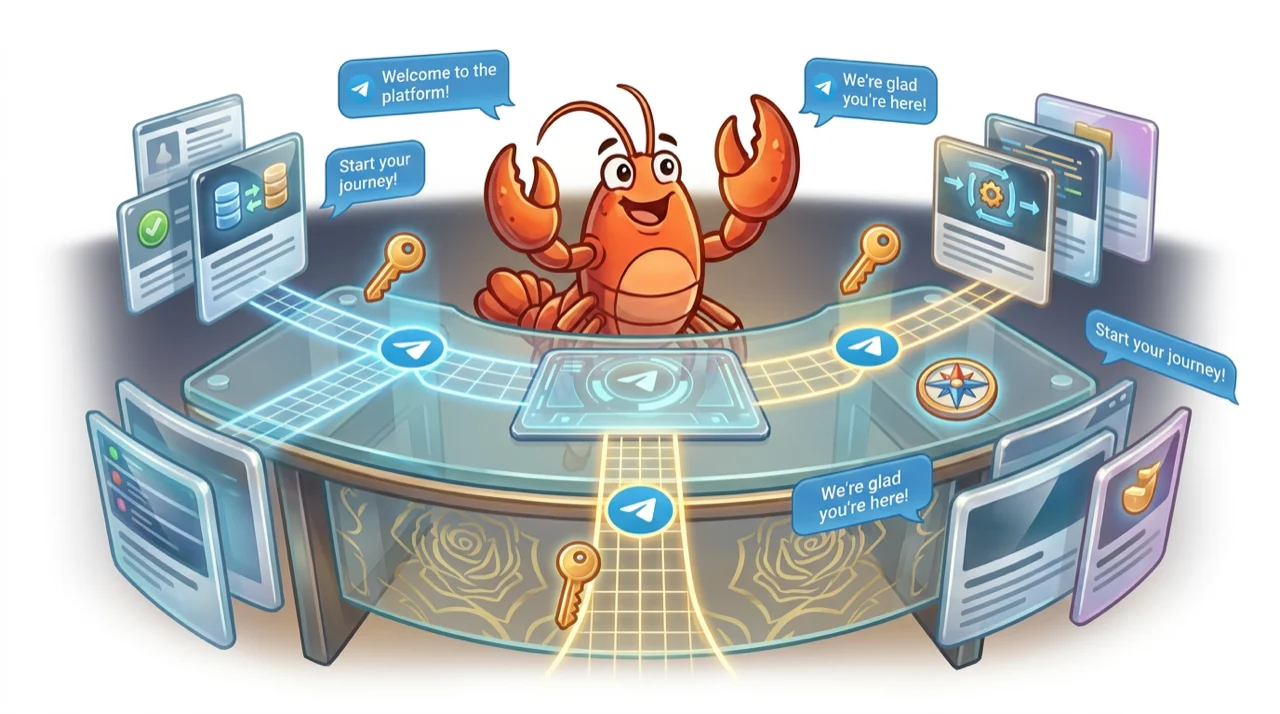
Some groups serve distinct audiences: beginners and advanced users, free and paid members, buyers and sellers. A single welcome message cannot serve all of them well.
Use inline buttons to segment at the start of the flow. The bot asks one question after the greeting: “Are you joining as a customer, a partner, or just exploring?” Each tap delivers a different resource set. Customers get the support guide and FAQ. Partners get the integration docs and contact for the partnerships team. Explorers get the product overview and a free trial link.
This keeps each member’s first experience relevant without fragmenting the community into multiple groups. Everyone stays in the same space with different starting paths.
For TeleClaw users, you can set this up by writing branching logic into your system prompt: describe what the bot should do based on the button tapped, then add the relevant documents to the knowledge base for each segment.
What to Measure After Launch
Onboarding metrics are different from general engagement metrics. Track these in the first 30 days.
New member question rate in the first 24 hours. If the bot is handling most first questions, that number should be high relative to human responses. It tells you the knowledge base is working.
Bot deflection rate. What percentage of new member questions does the bot answer without a moderator stepping in? Aim for above 60% once the knowledge base is complete.
7-day retention. Compare member activity between your pre-bot and post-bot periods. Groups with structured onboarding typically see improvement here within a few weeks of launch.
Knowledge gaps. Review the bot’s unanswered questions weekly. These are your onboarding blind spots, the things new members need to know that your documentation does not cover yet. Fill them.
Welcome message click rate. If you include buttons, track how often they are tapped. A low click rate means the welcome message is not compelling enough or the buttons are not labeled clearly.
Common Mistakes in Telegram Onboarding Flows
A few patterns that consistently reduce onboarding effectiveness.
Too much text in the welcome message. New members are in a new environment and making a quick decision about whether to stay. A wall of text signals effort, which is the opposite of what you want at that moment.
Knowledge base gaps at launch. The most common questions are often about pricing, setup steps, and group rules. If those are not in the knowledge base when you launch, the bot will fail on the questions that matter most. Populate the knowledge base before enabling the bot.
No escalation path. Some new members have questions the bot cannot answer or problems that need a human. Without a clear escalation path, “type /human or ask in #support”, these members get stuck and leave. Always give new members a way to reach a real person.
Ignoring the follow-up window. The first hour is critical, but so is the first week. Consider a follow-up message sent 24 hours after joining: a check-in, a featured resource the member might have missed, or an invitation to introduce themselves. This keeps the bot present during the period when new members are still deciding whether to stay active.
Conclusion
A Telegram bot onboarding flow is one of the highest-return automations a community or business can run. It works every time someone joins, at any hour, with no moderator required. The setup investment is a few hours of writing a system prompt and loading a knowledge base. The payoff is better first-day retention, fewer repetitive questions, and a community where new members feel oriented from the start.
Want to set up an onboarding flow today? Open the TeleClaw dashboard and configure your welcome prompt in minutes.
FAQ
Frequently Asked Questions
What can a Telegram onboarding bot do for new members?
Do I need to code a Telegram onboarding bot?
What is the difference between a welcome message and a full onboarding flow?
How do I handle different types of new members in the same group?
Can the onboarding bot continue to help after the first day?
More Reading
Keep Reading

Best AI Agents for Business in 2026: A Category-by-Category Guide
The clearest way to compare AI agents for business in 2026: six real categories, honest picks, and where a Telegram-native agent like TeleClaw actually fits.

TeleClaw Cloud Agents: Run a Coding Agent from Telegram
TeleClaw is listed in OpenRouter's cloud-agent category. Learn what a cloud agent does, how 2026 changed the field, and how to run one from Telegram.