Telegram Bot for Lead Generation: Capture Contacts Automatically
How to use a Telegram bot for lead generation in 2026. Capture names, emails, and intent from Telegram groups and channels without forms or cold outreach.

TeleClaw Team
June 7, 2026

A Telegram bot for lead generation captures contact information and intent data from people already engaging with your brand or content on Telegram, without landing pages, cold emails, or manual follow-up.
This article covers why Telegram works for lead gen, what a typical bot flow looks like, and how teams configure it without writing code.
Why Telegram is a strong lead generation channel
Most lead generation happens on web pages. Visitors land on a page, see a form, and either fill it out or leave. Conversion rates on web forms average 2–5% for cold traffic.
Telegram is different because the audience is already engaged. Someone who subscribes to your Telegram channel, joins your community group, or messages your bot has already expressed interest. The lead generation bot meets them where they are, in a channel they check daily.
Key differences from web forms:
- No context switch: The user never leaves Telegram. The conversation happens in the same app they use for everything else.
- Conversational format: Instead of filling out a static form, the user answers questions naturally. This feels less transactional and produces better completion rates.
- Instant qualification: The bot can ask qualifying questions and route leads based on answers, with no human in the loop.
- Push notifications: If a user starts but does not finish the flow, the bot can follow up. A web form cannot.
For teams already running Telegram communities, adding a lead generation bot to an existing channel is a low-friction way to convert passive subscribers into pipeline. See our guide on Telegram bots for business for the broader use case landscape.
What a lead generation bot flow looks like
A well-designed lead generation flow on Telegram has four stages.
Stage 1: Entry trigger
The user triggers the bot by:
- Typing /start in a direct message with the bot
- Clicking an inline button in a channel post
- Joining a group where the bot is active and sends a welcome message
The entry message should state immediately what the user gets by completing the flow. “Answer 3 questions and get our pricing guide” outperforms “Welcome to our bot.”
Stage 2: Qualification
The bot asks 2–4 questions to capture the information your sales team needs and filter out low-quality leads. Common qualification questions:
- “What’s your name?”
- “What’s your email address?”
- “How large is your team?”
- “What are you trying to solve?” (with multiple-choice buttons)
Keep this stage short. Each additional question reduces completion rate by roughly 10–15%. Ask for the minimum information your team can act on.
Stage 3: Routing and response
Based on the answers, the bot routes the lead:
- High-intent signals (large team, specific use case) trigger an immediate human handoff or a calendar booking link
- Lower-intent signals trigger an automated response with a relevant resource and a follow-up sequence
This qualification layer means your sales team only sees leads worth their time. The bot handles the pre-qualification that would otherwise take 5–10 minutes per lead on a call.
Stage 4: CRM sync
The bot posts the captured data to a webhook, which pushes it into your CRM, spreadsheet, or email platform. From that point, the lead is in your normal follow-up workflow.
TeleClaw handles all four stages without code. You configure the questions, routing rules, and webhook endpoint in the dashboard.
Setting up a lead generation bot with TeleClaw
Step 1: Define your qualification criteria
Before configuring anything, decide what makes a lead worth passing to a human. This shapes the questions you ask and the routing logic you build.
Example: a B2B SaaS company might define a qualified lead as a company with 10+ employees, actively evaluating tools, and with a decision-maker involved. The bot asks those exact questions.
Step 2: Write the opening message
The first message the user sees sets the tone for the entire flow. It should:
- Name what the user gets (a resource, a demo, pricing information)
- State how long it takes (“Two quick questions”)
- Be conversational, not corporate
Bad opening: “Please complete the following form to be contacted by our sales team.”
Good opening: “Hi. Getting pricing for your team takes about 90 seconds. What’s your name?”
Step 3: Configure questions and response buttons
For questions with a defined answer set (company size, role, use case), use inline buttons instead of open text. Buttons reduce typing friction and produce cleaner data for routing.
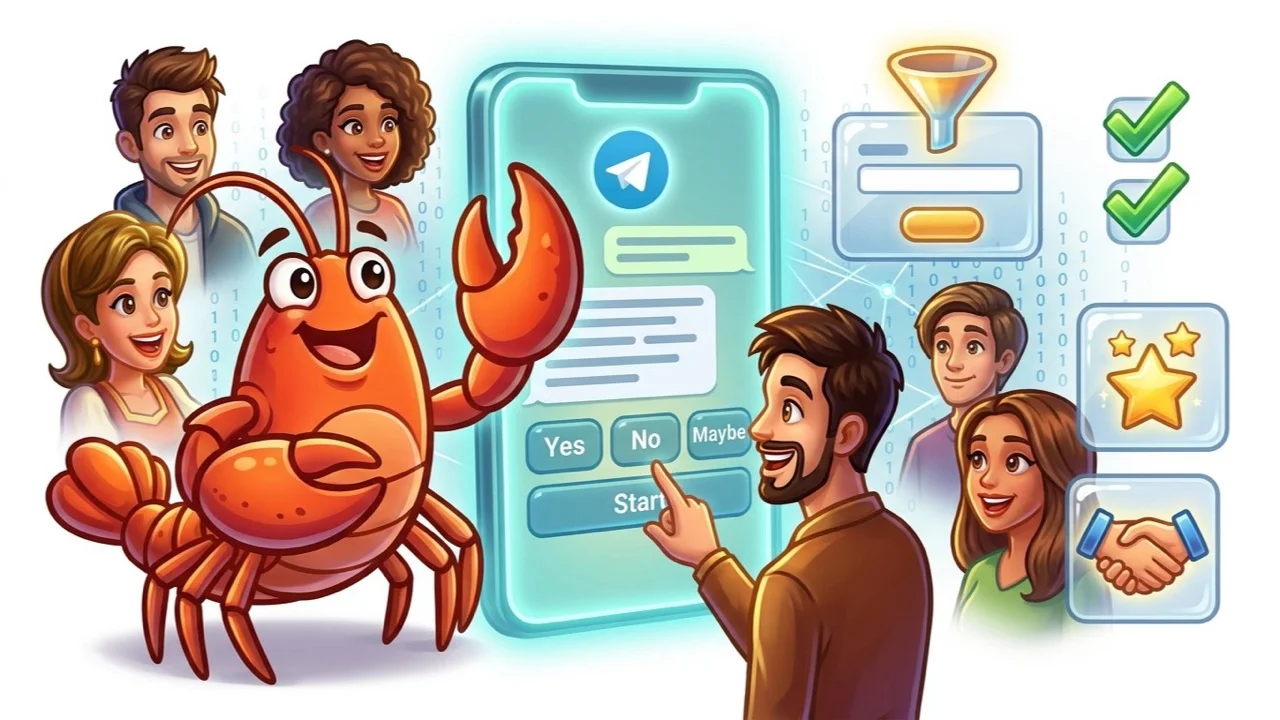
For questions that need open-ended answers (email address, company name), use free text with format validation. If someone types an invalid email, the bot prompts them to correct it before continuing.
Step 4: Build routing rules
Set conditions for each answer that determine what happens next:
- If company size is “10–50” or larger, send a calendar link and notify the sales Slack channel
- If company size is “1–9”, send the pricing guide PDF and schedule an automated 3-day follow-up
Step 5: Connect the webhook
In TeleClaw’s dashboard, paste your CRM or Zapier webhook URL. Test with a sample lead to confirm the data arrives in the right format with the right field names.
Step 6: Embed the entry point
Add buttons linking to the bot in your channel posts, your website, your email footer, and your Telegram group welcome message. Each entry point brings a different audience into the same flow.
Lead generation bot use cases by industry
SaaS and software: Capture product interest and company size from community members, trial users asking support questions, or people who downloaded a free resource from a channel post.
B2B services and agencies: Qualify project requirements and budget range from inbound inquiries via Telegram. Route large projects to a senior consultant, smaller requests to an automated proposal template.
E-commerce and DTC: Identify purchase intent from subscribers in your product channel. A user asking “Is X available in my country?” is a warm lead. The bot captures their details and passes them to the customer success team.
Events and communities: Capture registrations from channel subscribers by running the sign-up flow inside Telegram. Faster than redirecting to an external form, especially for mobile-first audiences.
Real estate and finance: Initial qualification covering location, budget range, and timeline before routing to a human advisor. The bot handles the repetitive pre-screening that agents currently do in early calls.
Common mistakes to avoid
Asking too many questions: Every additional question after the first three reduces completion rates significantly. Focus on the two or three signals that most reliably predict a qualified lead.
Not stating the value upfront: Users who do not understand what they get by completing the flow drop off at the first question. State the benefit in the opening message, before asking anything.
Routing everything to humans immediately: If your bot hands every inquiry to a sales rep, the team spends time on unqualified leads. Define minimum qualification thresholds before human routing triggers.
Ignoring incomplete leads: Users who answer one or two questions and stop are still warm prospects. Configure a follow-up message 24–48 hours later to recover incomplete flows. This alone can increase lead capture by 20–30%.
No privacy disclosure: Collecting personal data without a consent message creates compliance risk. Add a brief disclosure at the start of any flow that collects name, email, or contact information.
Measuring lead generation bot performance
Track these four metrics from day one:
- Flow start rate: Percentage of users who trigger the bot and send at least one message. Low start rates indicate a weak entry point or a confusing first message.
- Completion rate: Percentage of users who finish all qualification questions. Rates below 40% suggest the flow is too long or the questions are unclear.
- Qualification rate: Percentage of completed flows that meet your minimum criteria. Very high qualification rates may mean your criteria are too loose. Very low rates mean you need better targeting at the entry point.
- CRM sync success rate: Percentage of completed flows where lead data arrived in your CRM correctly. Technical errors here mean lost leads.
Review these weekly during the first month. The biggest performance gains usually come from rewriting the opening message or removing one question from the flow.
Frequently asked questions
Conclusion
A Telegram bot for lead generation works because it captures intent from people already engaged with your content, in the app they already use, without a context switch. The setup is straightforward: a clear opening message, two to four qualification questions, routing based on answers, and a webhook to your CRM.
The difference between a lead generation bot that converts and one that does not usually comes down to the opening message and the flow length. Keep both short, state the value upfront, and let the data tell you what to improve.
Ready to set up lead capture in Telegram? Add @claw to your group or channel and configure your qualification flow in under 30 minutes.
FAQ
Frequently Asked Questions
Can a Telegram bot collect email addresses automatically?
Is using a Telegram bot for lead generation GDPR compliant?
What information can a Telegram bot capture from users?
How do I connect a Telegram lead generation bot to my CRM?
What conversion rate should I expect from a Telegram lead bot?
More Reading
Keep Reading

How to Increase Telegram Group Engagement: 7 Tactics That Work
How to increase Telegram group engagement in 2026. Seven tactics group admins use to keep members active, reduce churn, and build communities people actually participate in.

Telegram Channel Growth: 8 Ways to Get More Subscribers in 2026
How to grow a Telegram channel fast in 2026. Eight proven tactics, from cross-promotion to AI-powered posting, that channel owners use to reach their first 10,000 subscribers.